Information cards
Order info cards
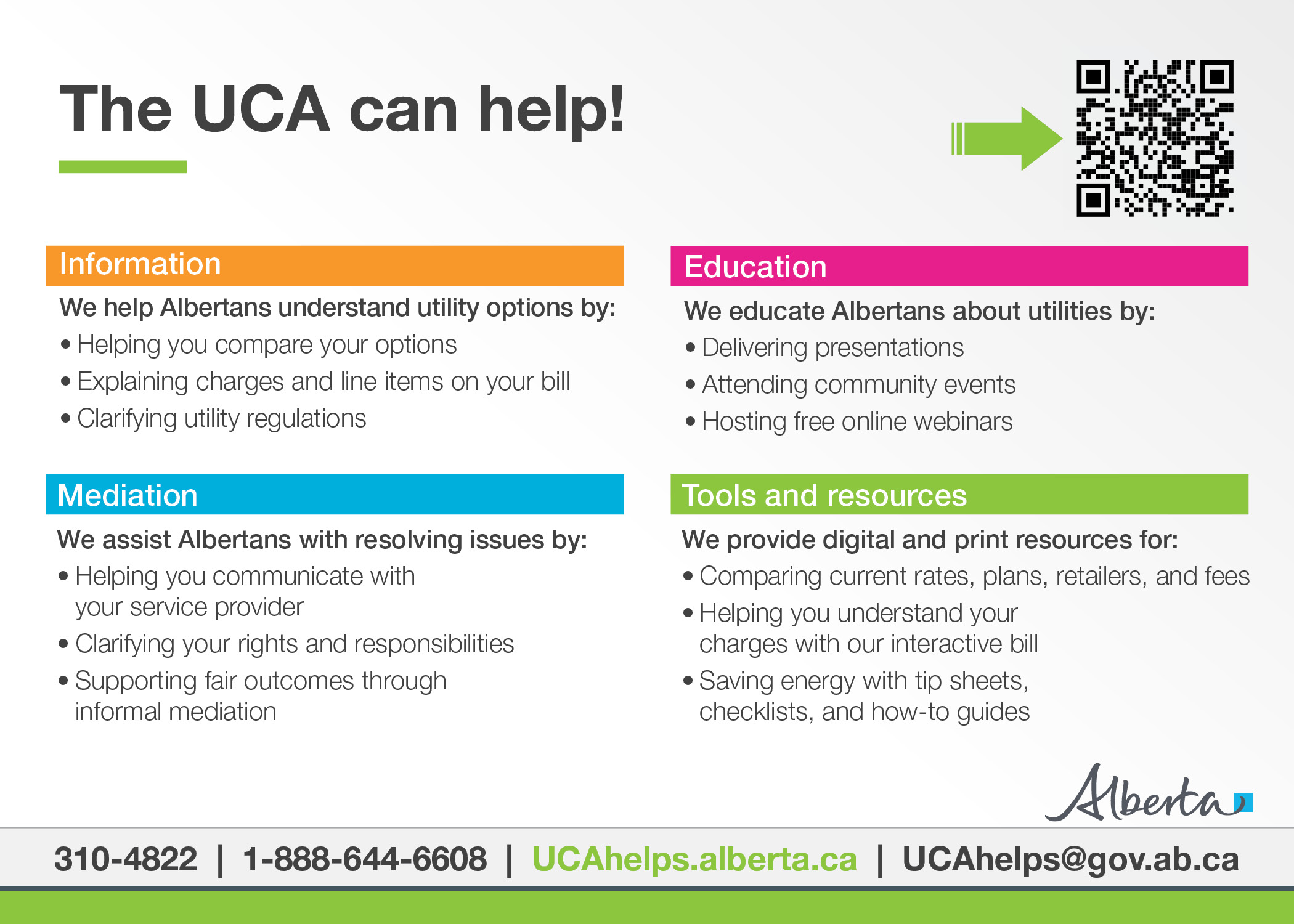
About the UCA
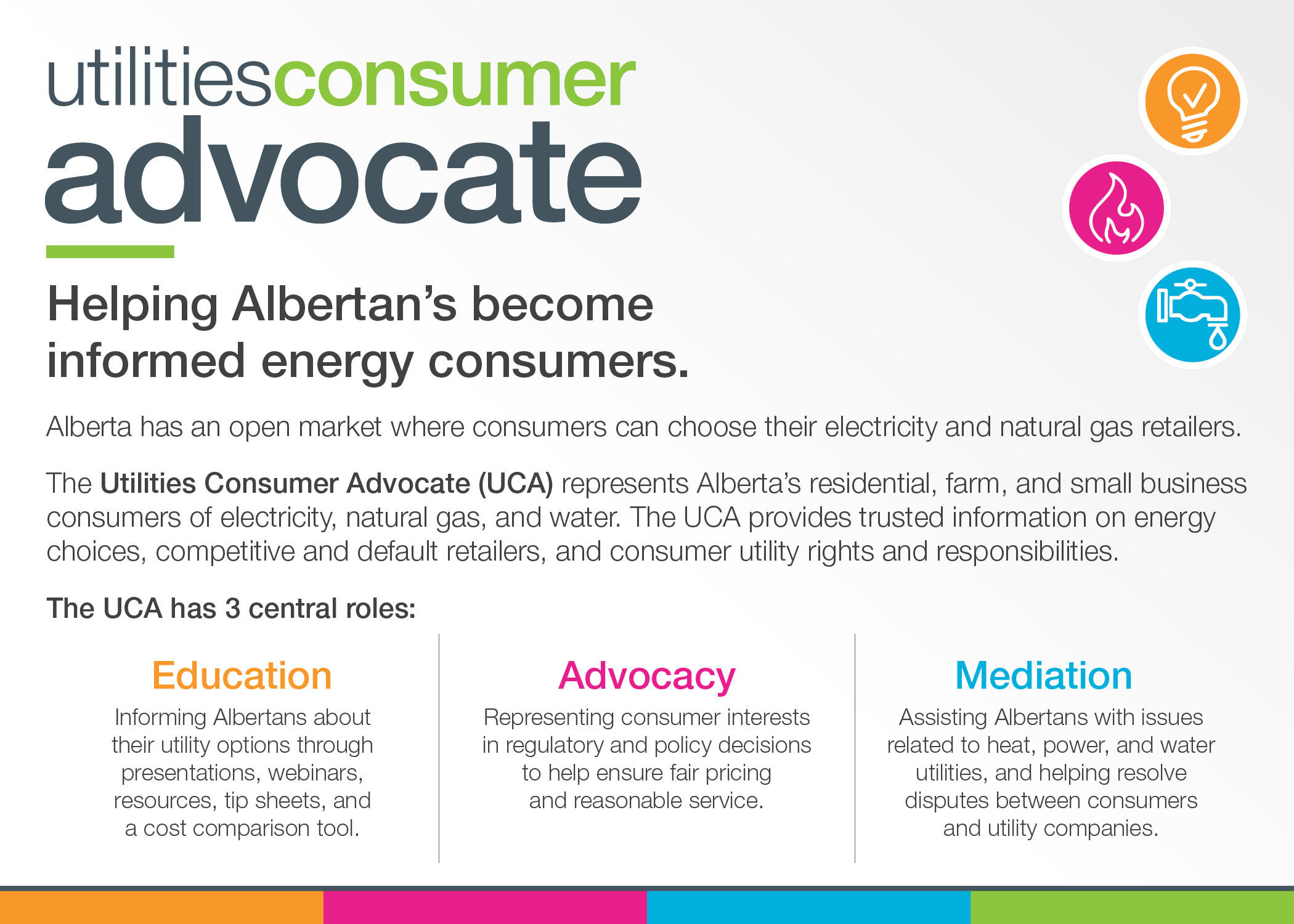
Learn about how the UCA helps electricity, natural gas, and water consumers in Alberta.
Know your options
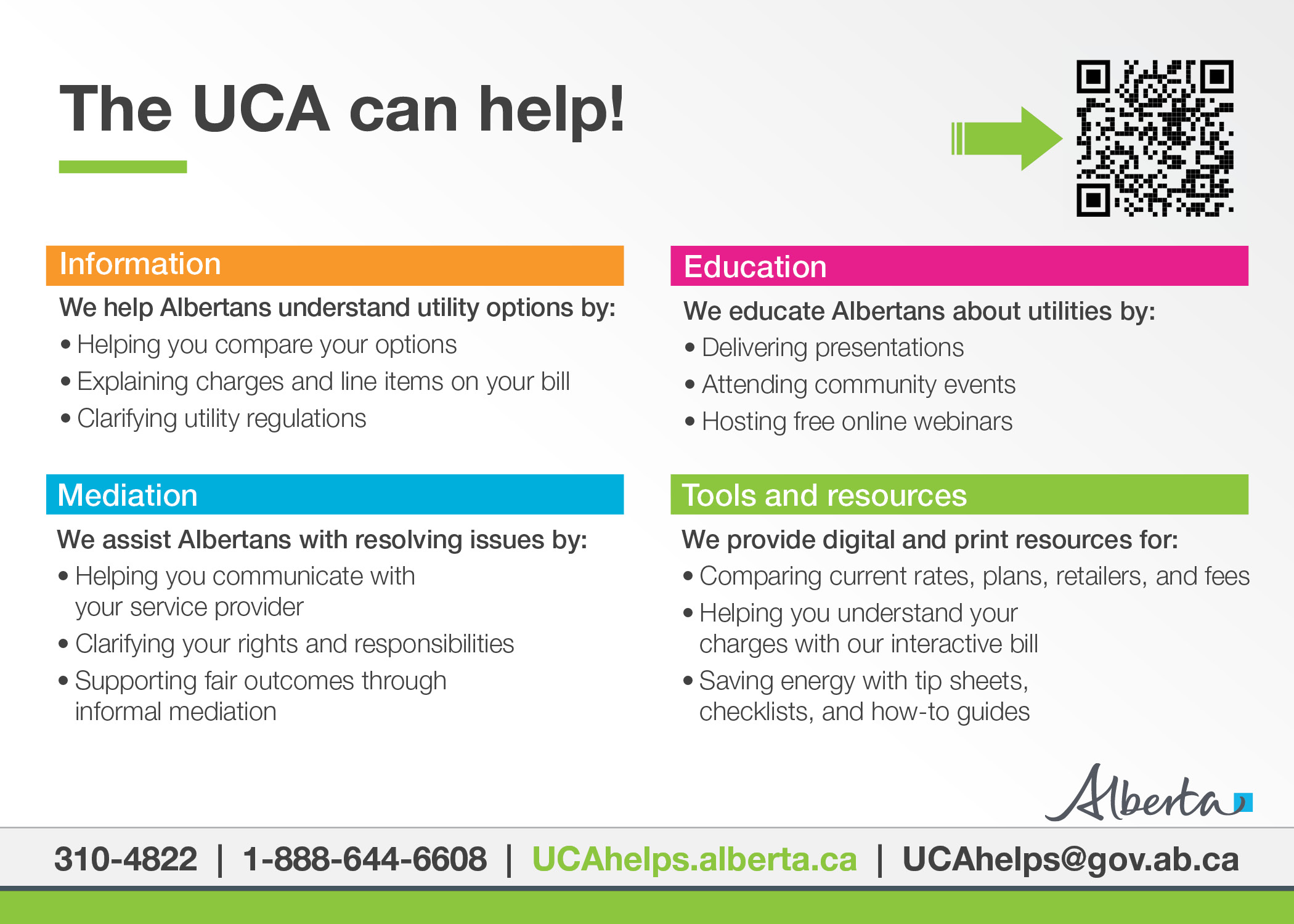
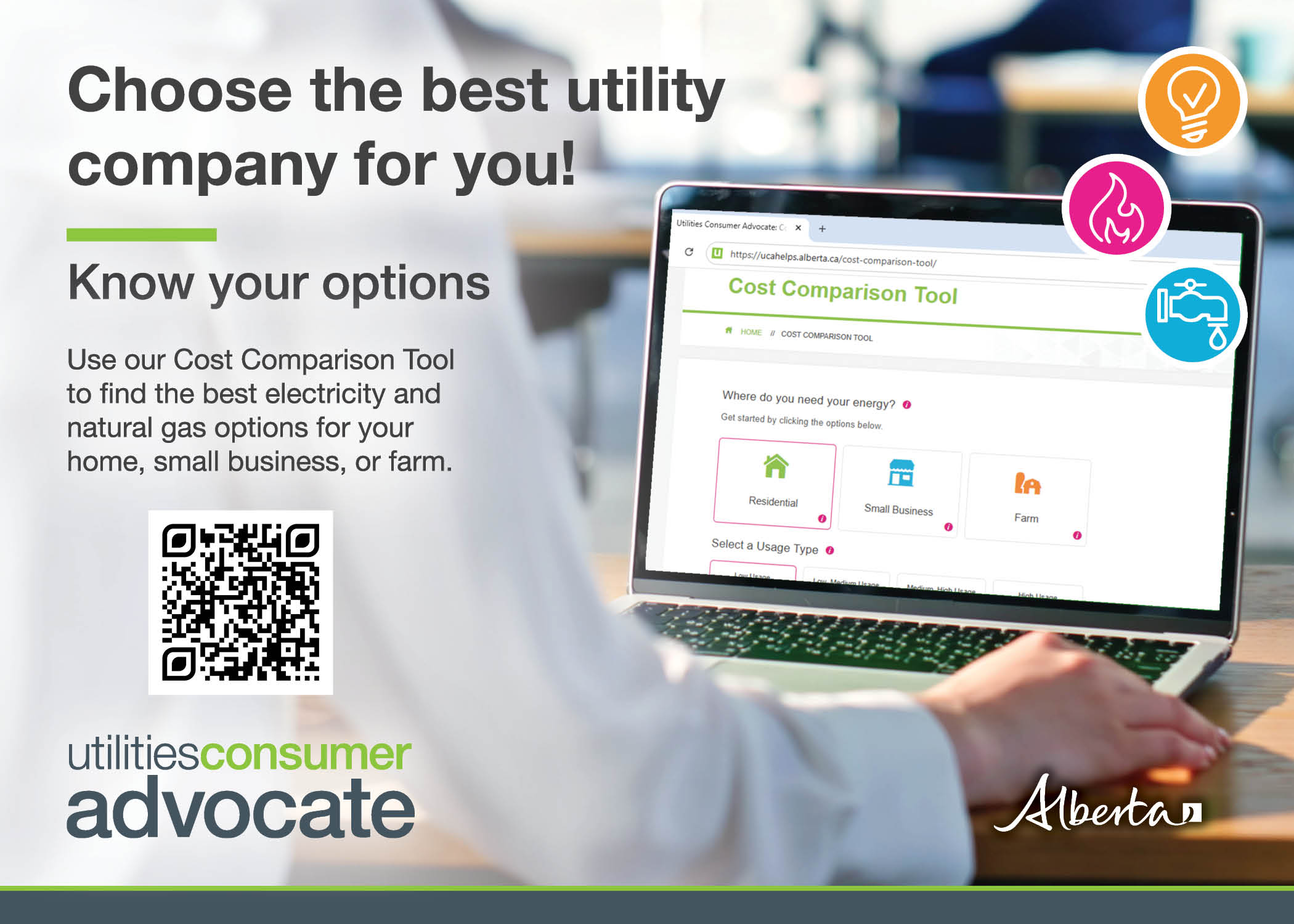
Use our Cost Comparison Tool to find the best electricity and natural gas options for your home, small business, or farm.
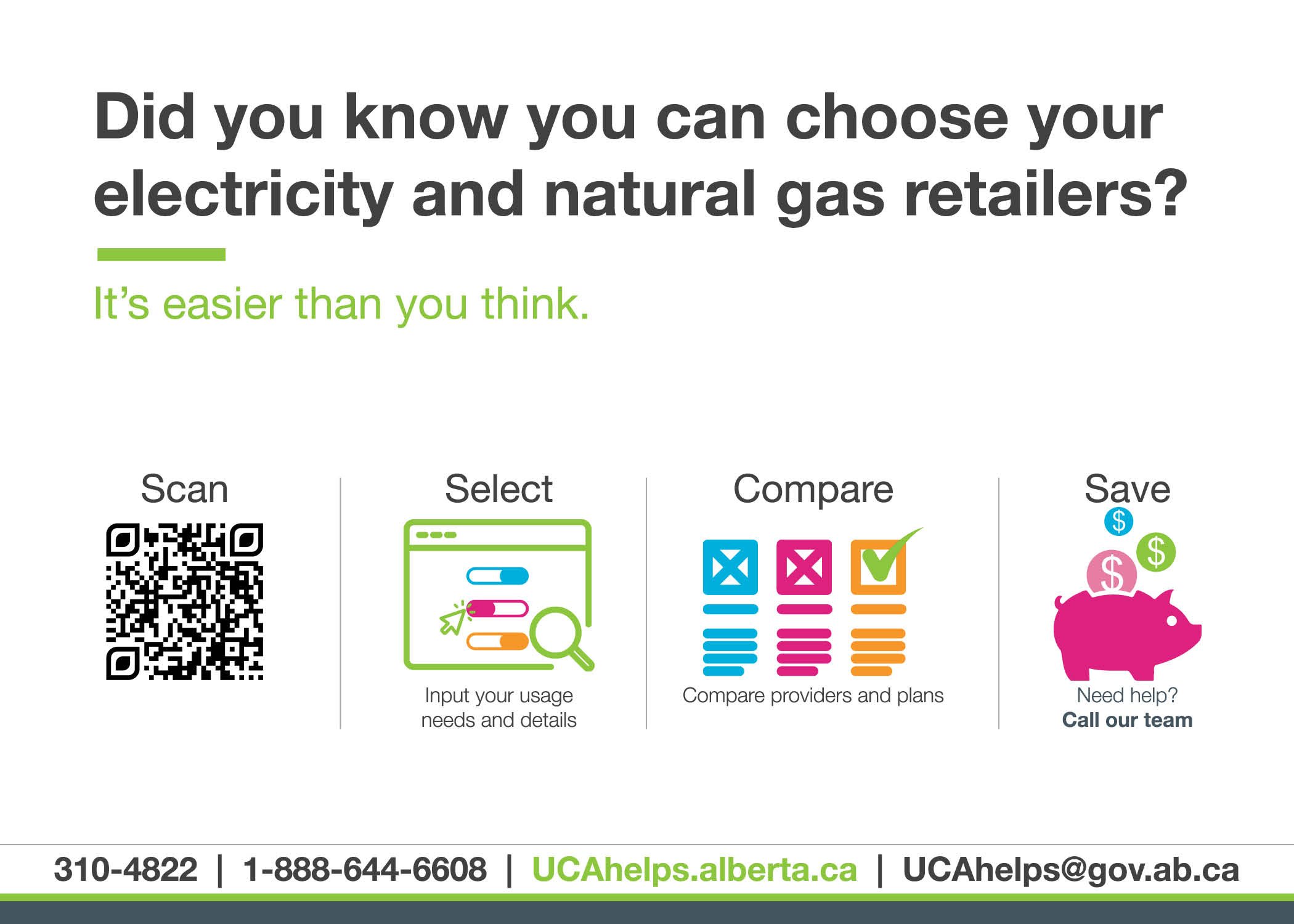
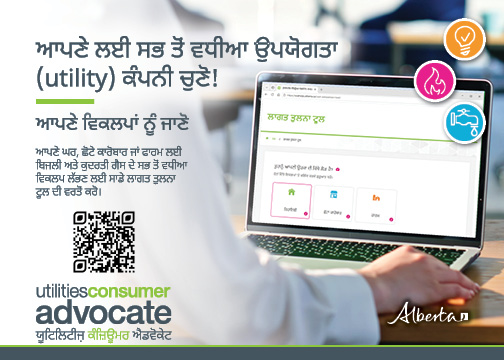
Know your options - various languages (digital copy)
This card is available digitally in Arabic, Chinese, Dari, German, Pashto, Punjabi, Spanish, Tagalog, and Urdu. Please note the language on the order form below to be sent a copy by email.
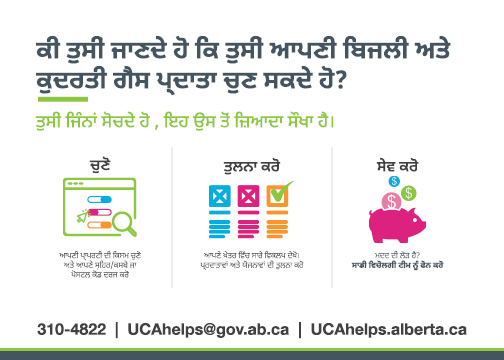

Découvrez vos options!
Utilisez notre outil de comparaison des coûts pour trouver les options en matière d’électricité et de gaz naturel qui vous conviennent le mieux.
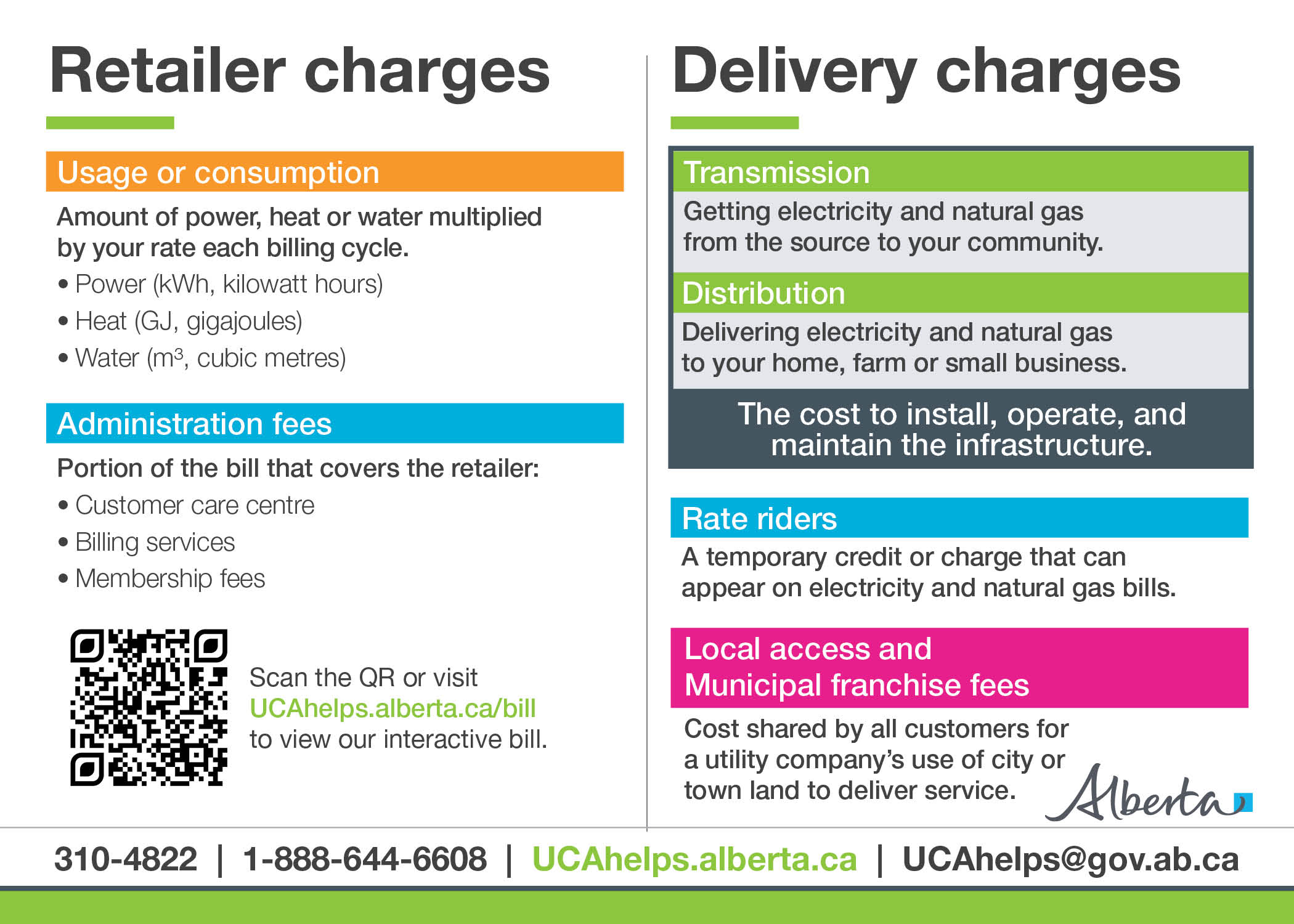
Explaining your bill
Questions about your utility bill? We can help!

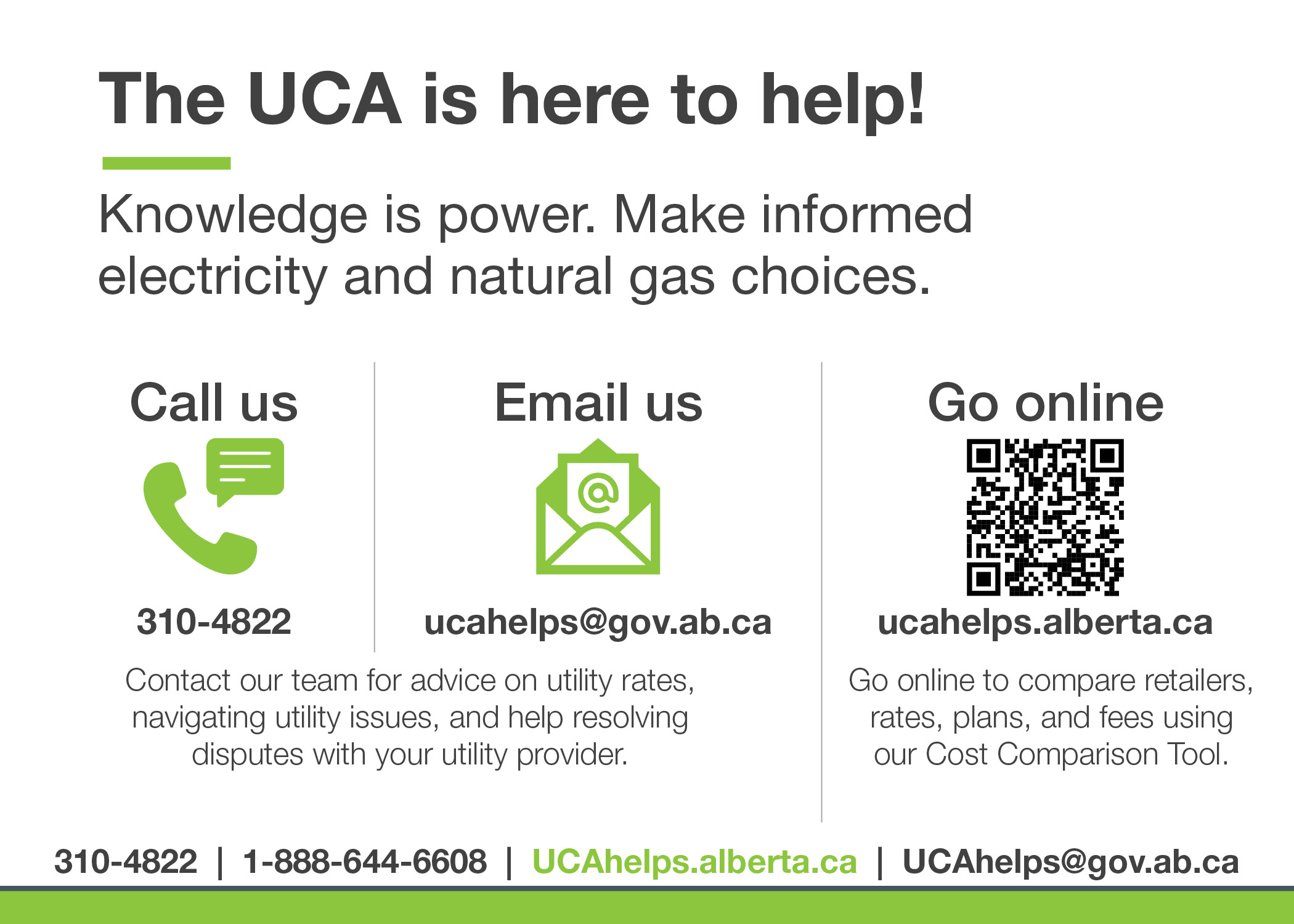
Choosing a utility plan
Learn about how the UCA can help consumers make informed electricity and natural gas choices.

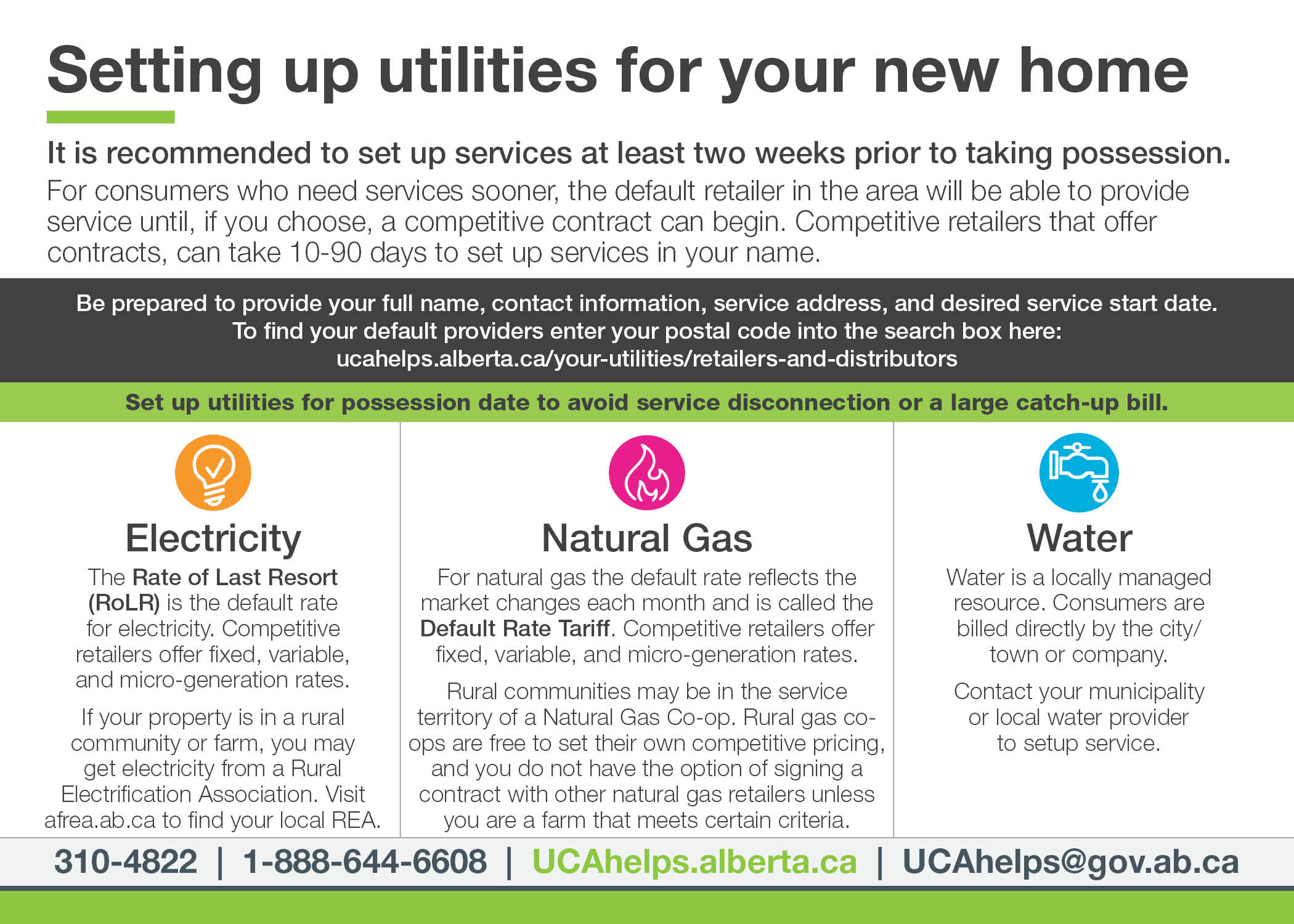
New home buyer
Learn about the steps consumers need to take to setup electricity, natural gas, and water services for a new home.

Smart utility choices for students
Learn about how the UCA can support students making informed electricity and natural gas choices.

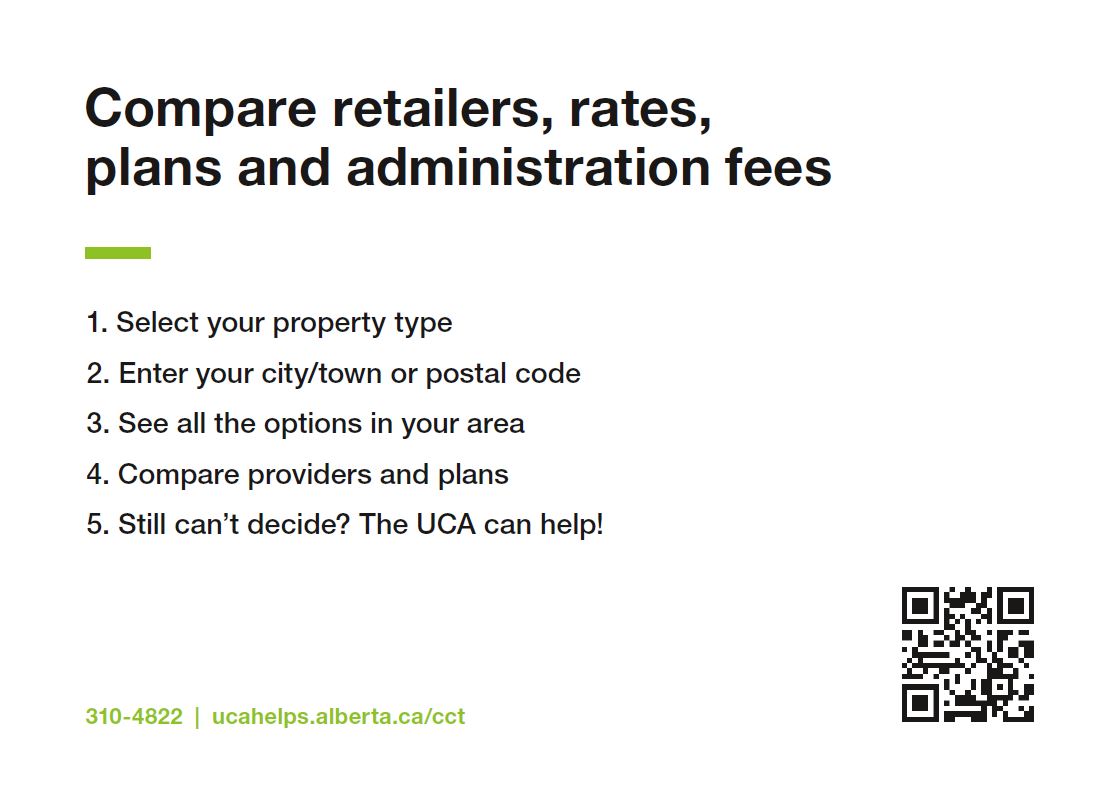
Cost Comparison Tool
Use our Cost Comparison Tool to find the best energy options for your home, business or farm.
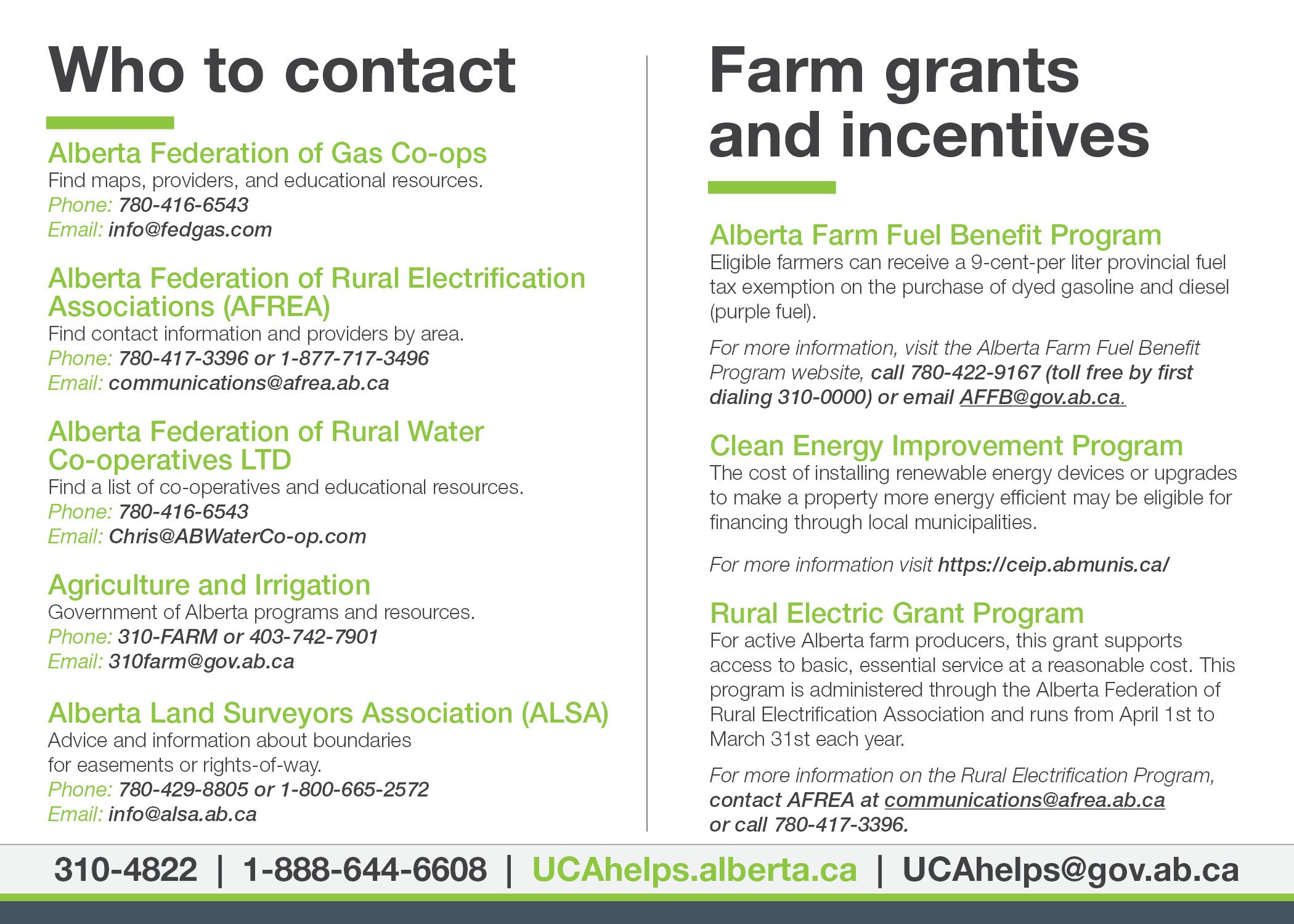
Farm utility resources
Learn about the various organizations supporting farmers, along with available grants and incentives.
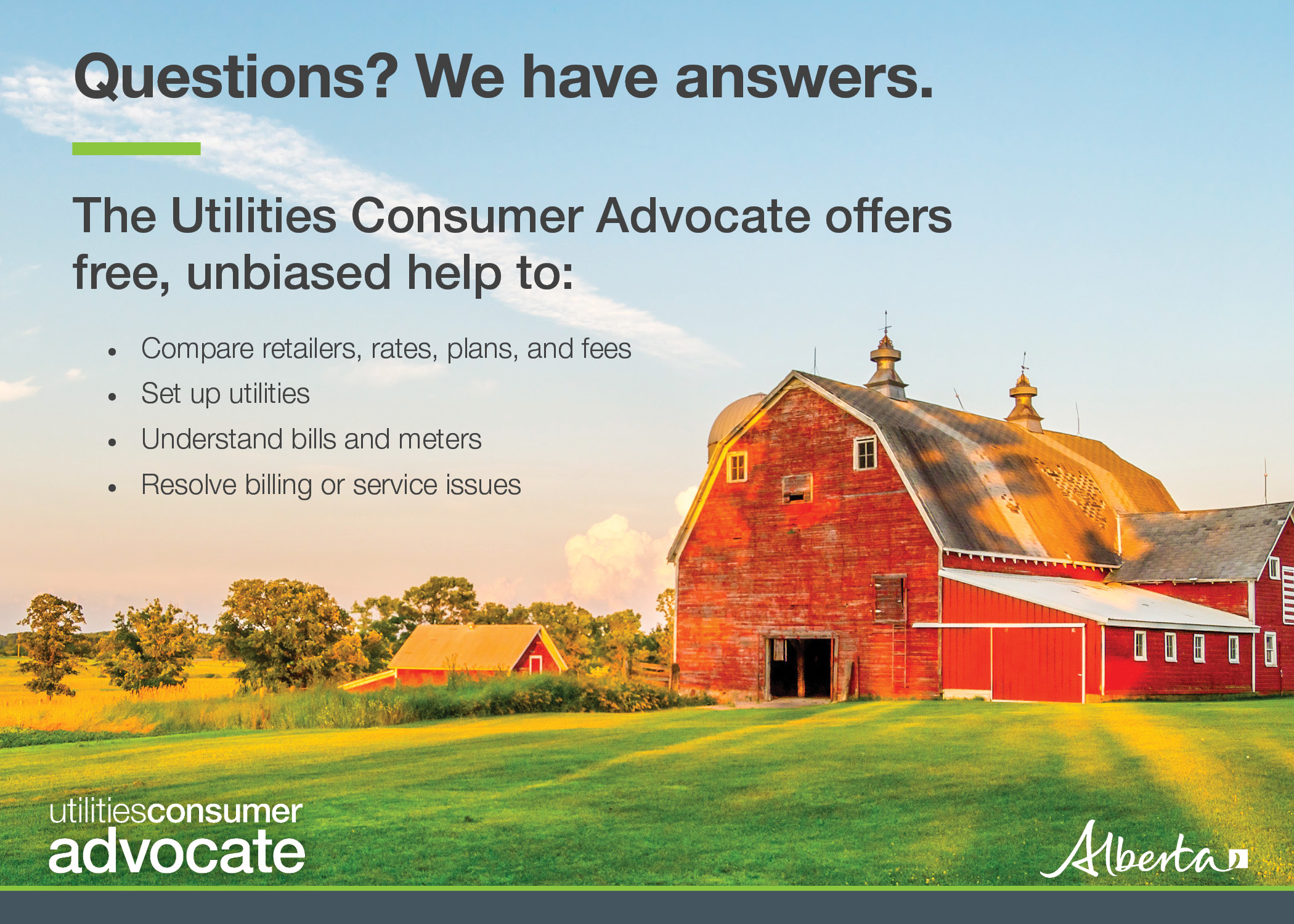
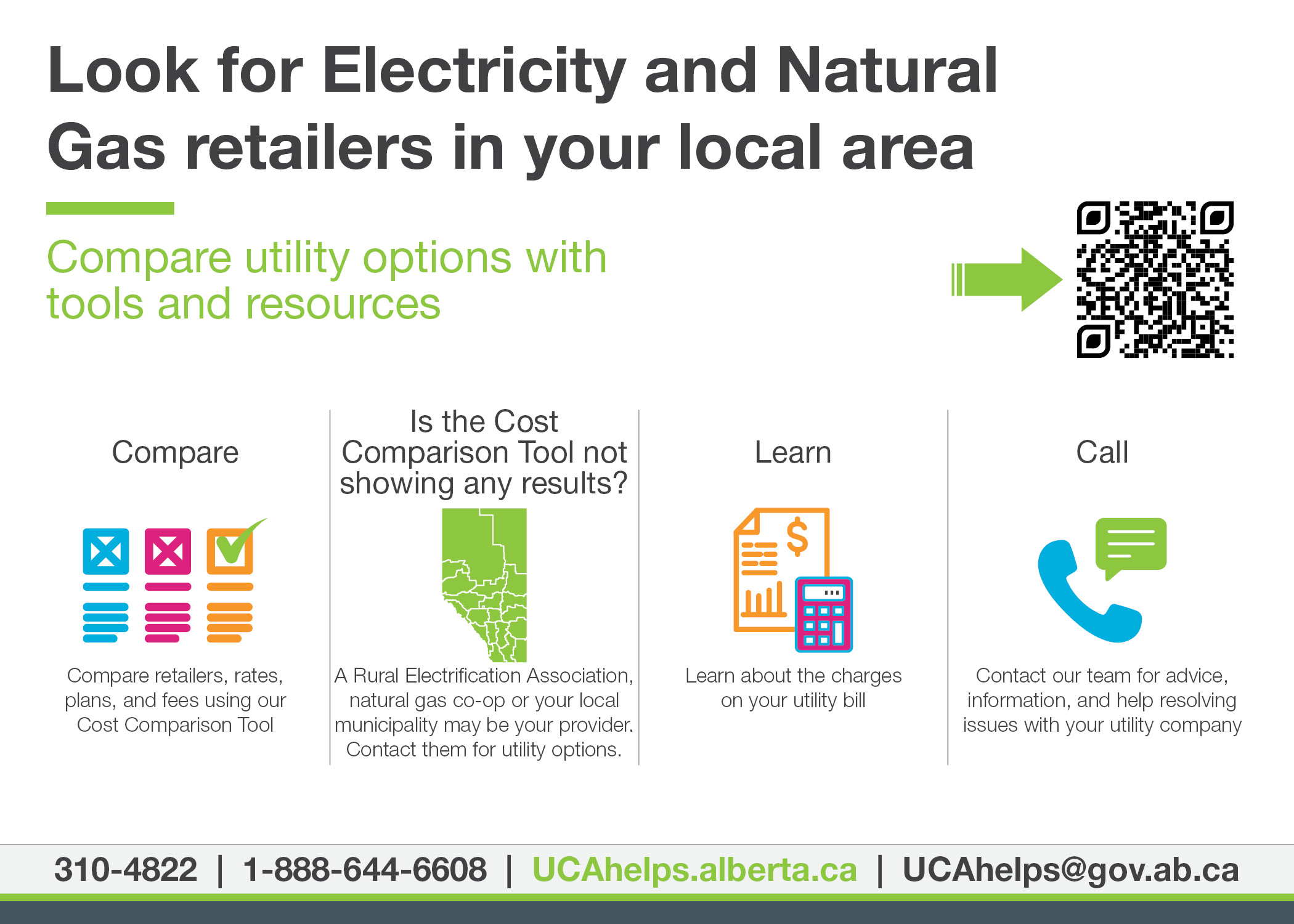
Farm info card
Learn about how the UCA helps farmers navigate electricity and natural gas utilities in Alberta.

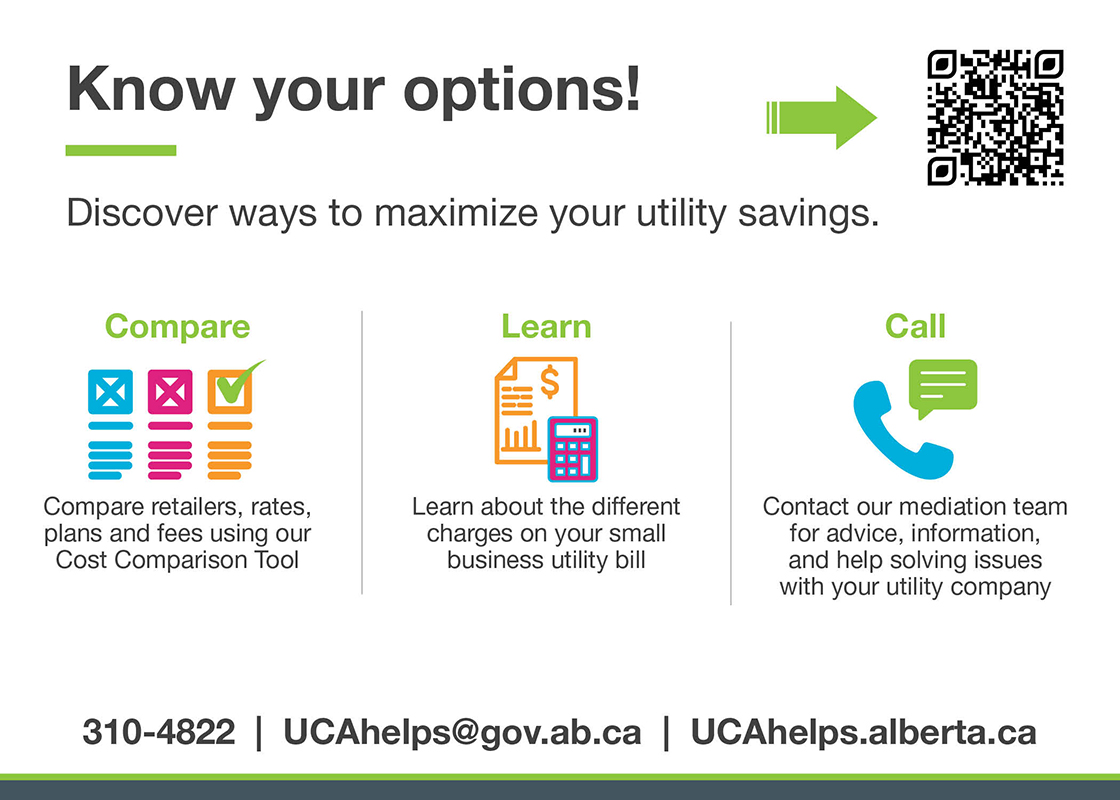
Resources for small business
Find a plan that fits your small business budget.
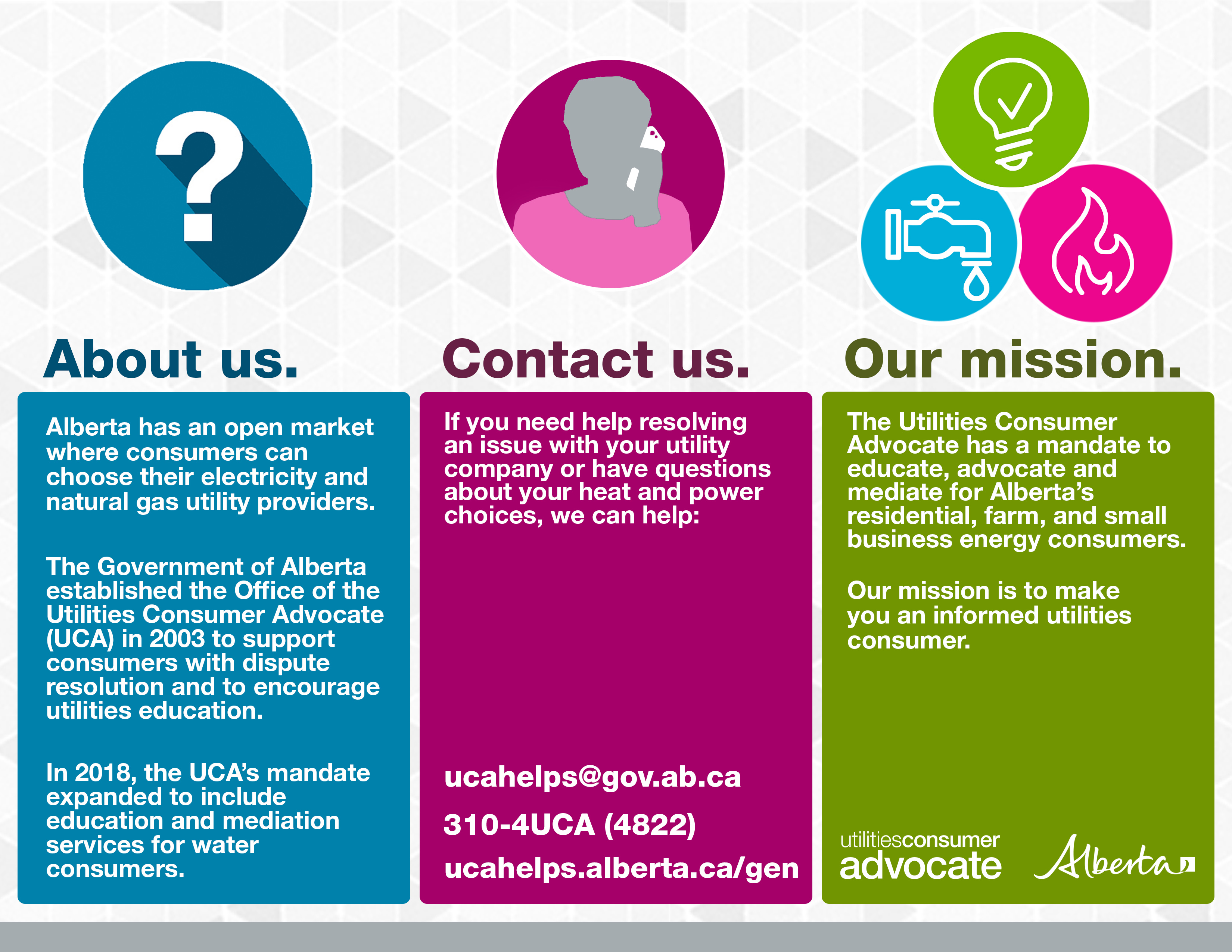
About the UCA brochure
Our mission is to make you an informed energy consumer.

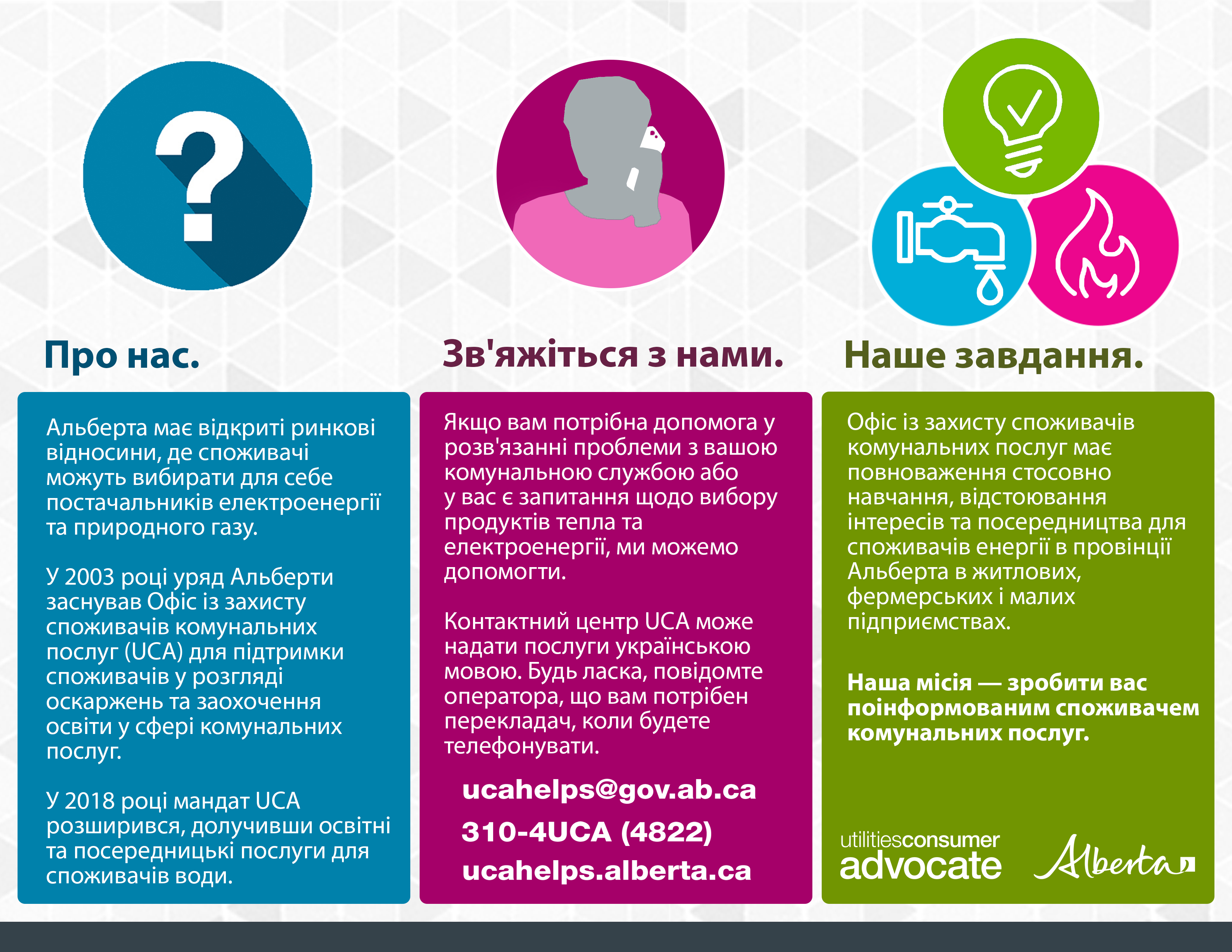
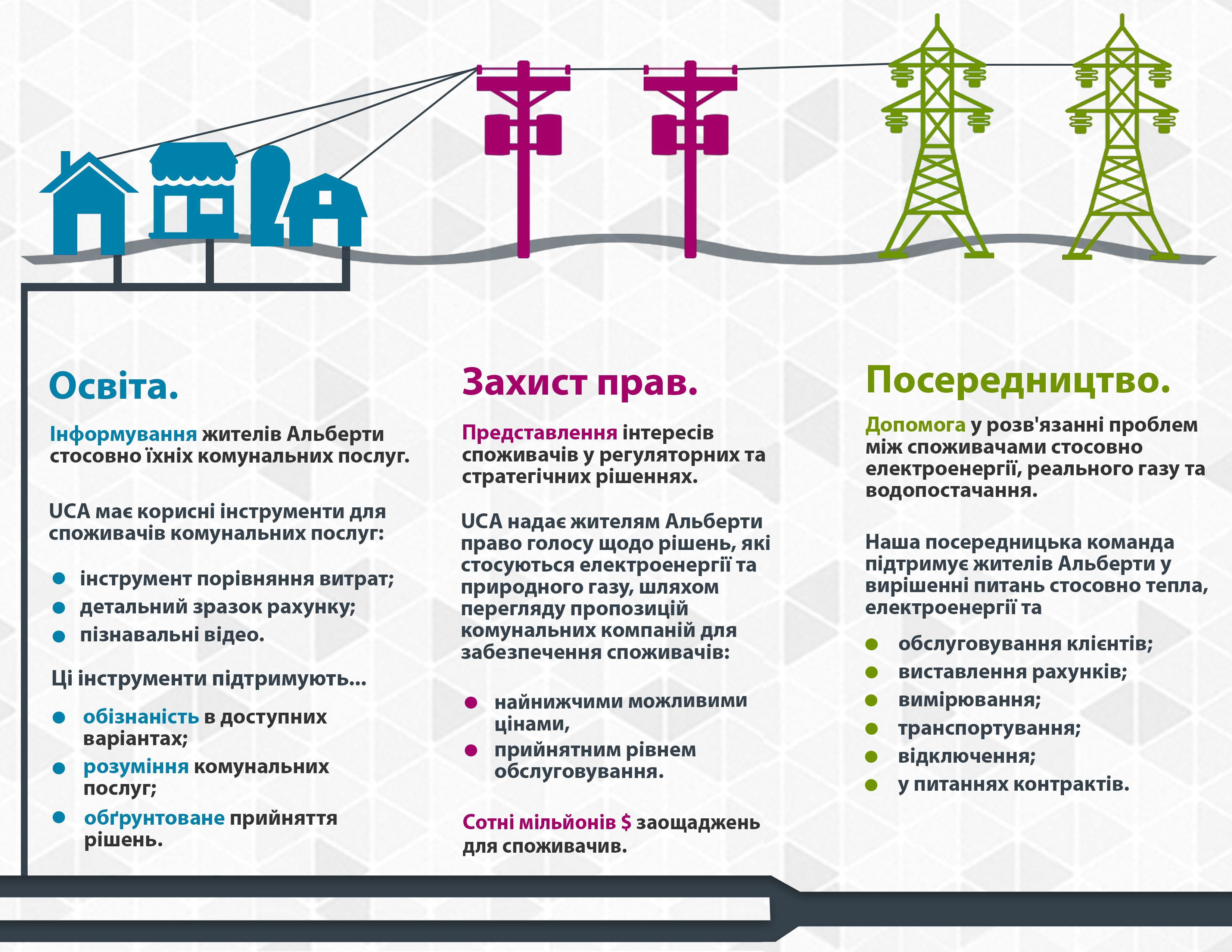
About the UCA brochure - Ukrainian
Our mission is to make you an informed energy consumer.